Cofi Trend AI Not Working? Fixes
Last updated:
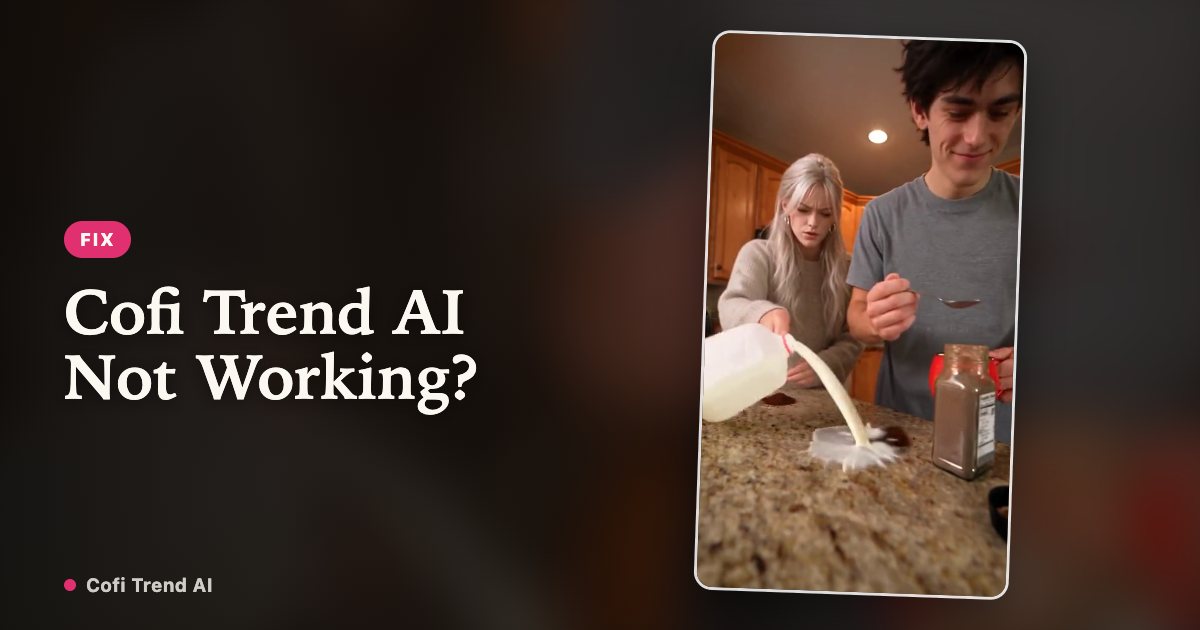
Most problems with a Cofi Trend AI video come from the photos, a few come from the video model, and almost all of them have a simple fix. This page covers what goes wrong with Cofi Trend AI and with hand-made versions in Google Flow or other video tools.
The photo will not upload or is rejected
Check the label in the corner of the photo: it tells you why. The usual causes are more than one person in the picture, a face that is not clear (side view, sunglasses, a mask, blur, a dark room) or a picture that is not a real photo. Replace it with a sharp, front-facing photo of one person.
If the message says the photo could not be checked right now, nothing is wrong with your photo. Wait a minute and upload it again.
The face does not look like the person
Video models rebuild a face from a single photo, so a small, blurry or heavily filtered photo gives a loose likeness. Use a recent photo without beauty filters where the face takes up a good part of the frame. Glasses that are not in the photo, a very different hairstyle or a strong angle also make the face drift.
The two people swapped roles
The first photo is always Person A, the one with the spoon at the front; the second photo is Person B with the kettle and the milk. If you wanted it the other way round, upload the photos in the opposite order for your next video.
The mug, the powder or the milk look wrong
Liquids and hands are still the hardest part for any video model, and every render is a little different. Small glitches, like an extra splash or a slightly odd hand, are normal. In hand-made versions, the most common mistakes are a mug that never moves and milk that goes into the cup; our prompt guide explains how to write each mug move so the joke lands.
The render is slow or failed
A render usually takes a few minutes and can take longer when many people are making videos at once. You can close the page: the video appears under My videos and is sent to your email when it is ready.
If a render fails, the video goes back to your balance automatically, so you can try again with the same or different photos. If a finished video is clearly broken, for example a face is missing, email support@cofitrend.com with the video ID.
I cannot find my video
Open My videos and enter the email you used at checkout; we send a 6-digit code to open your videos. Check your spam folder for the email with the video link. Finished videos are kept for 30 days, so download the ones you want to keep.
Your Cofi Trend video is two photos away
Create my video